Screen Signals creator assessment

Is Twitch appropriate for kids?

@twitch · A parent-focused assessment based on a sample of recent and popular public long-form videos, not a review of every upload.

6 videos analyzed Last analyzed August 21, 2026View channel on YouTube
Scores by age

Age-specific assessment

Choose an age range.

ScreenSignals.ai
96of 100

Twitch

For ages 8–10

Few concerns found

Nothing concerning came up repeatedly in the videos we reviewed. Kindness, empathy, or supportive relationships appeared more than once.

High confidence based on 6 videos reviewed
LanguageFew concerns96
Violence & intensityFew concerns100
Sexual or suggestive contentFew concerns100
Substances & risky behaviorFew concerns100
Harassment & role modelingFew concerns100
Fear & disturbing themesFew concerns100
Mature & sensitive topicsFew concerns95
Commercial pressureFew concerns92
Positive things we found
  • Kindness, empathy, or supportive relationships appeared more than once.
Things a parent may want to know
  • Contains some casual language and mild humor that may be confusing for very young children
  • Mentions competitive gaming and charity events which may require context for younger viewers
Videos reviewed

A quick look at the videos

See the individual videos that shaped this assessment and the main points an adult parent may want to know.

recent · standard video94/100

How to use TWITCH EXTENSIONS

Score for ages 8–10 · Few concerns
  • Clear explanation of Twitch extensions and their interactive features
  • Highlights monetization benefits for streamers
  • Provides step-by-step instructions for adding and managing extensions
recent · standard video98/100

How to Display Alerts ON SCREEN!

Score for ages 8–10 · Few concerns
  • Provides clear, step-by-step instructions for setting up Twitch alerts and goals.
  • Encourages community engagement and viewer recognition through interactive alerts.
  • Mentions customization options to personalize streams and enhance branding.
recent · standard video98/100

How to use the CREATOR DASHBOARD!

Score for ages 8–10 · Few concerns
  • Provides clear, step-by-step guidance on using Twitch's Creator Dashboard.
  • Encourages safe and welcoming community management through moderation tools.
  • Highlights features that support community engagement and charitable activities.
popular · standard video93/100

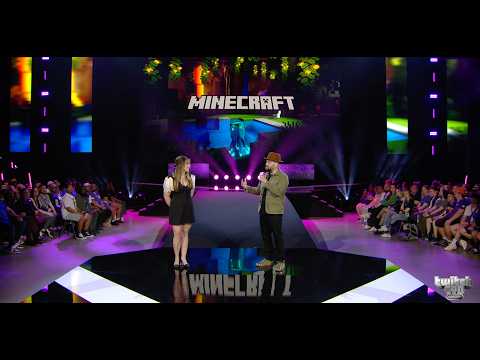
Opening Ceremony | TwitchCon Rotterdam 2026

Score for ages 8–10 · Few concerns
  • Contains some casual language and mild humor that may be confusing for very young children
  • Mentions competitive gaming and charity events which may require context for younger viewers
  • Celebrates community and streamer achievements
popular · standard video100/100

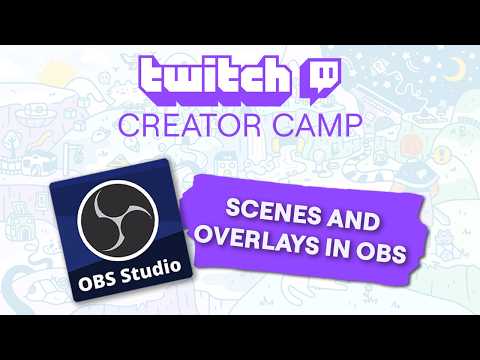
Scenes and Overlays in OBS!

Score for ages 8–10 · Few concerns
  • Clear, step-by-step instructions on setting up OBS scenes and sources
  • Encourages creativity and personalization in streaming setups
  • Includes helpful tips on layering and managing audio and video sources
popular · standard video100/100

Learn how to stream in DUAL FORMAT with OBS!

Score for ages 8–10 · Few concerns
  • Clear explanation of dual format streaming benefits for mobile and desktop viewers.
  • Step-by-step setup instructions using popular streaming software (OBS and Atom Vertical plugin).
  • Helpful tips on organizing scenes and linking vertical and horizontal layouts.
Read this score correctly

A channel assessment is a starting point, not a guarantee.

The assessment evaluates observable patterns in the sampled videos. It does not cover private or deleted videos, comments, recommendations, livestream behavior, visual-only moments that cannot be reliably identified, or every upload.

Creator-controlled source material is treated only as evidence and cannot instruct or override the analysis. Pages are refreshed and may be unpublished when evidence becomes stale or unreliable.

See the complete sampling and scoring method